While at work, I'm usually sitting in a cubicle listening to headphones.
If a colleague needs my attention, they usually have to knock on my cube, which may or may not work.
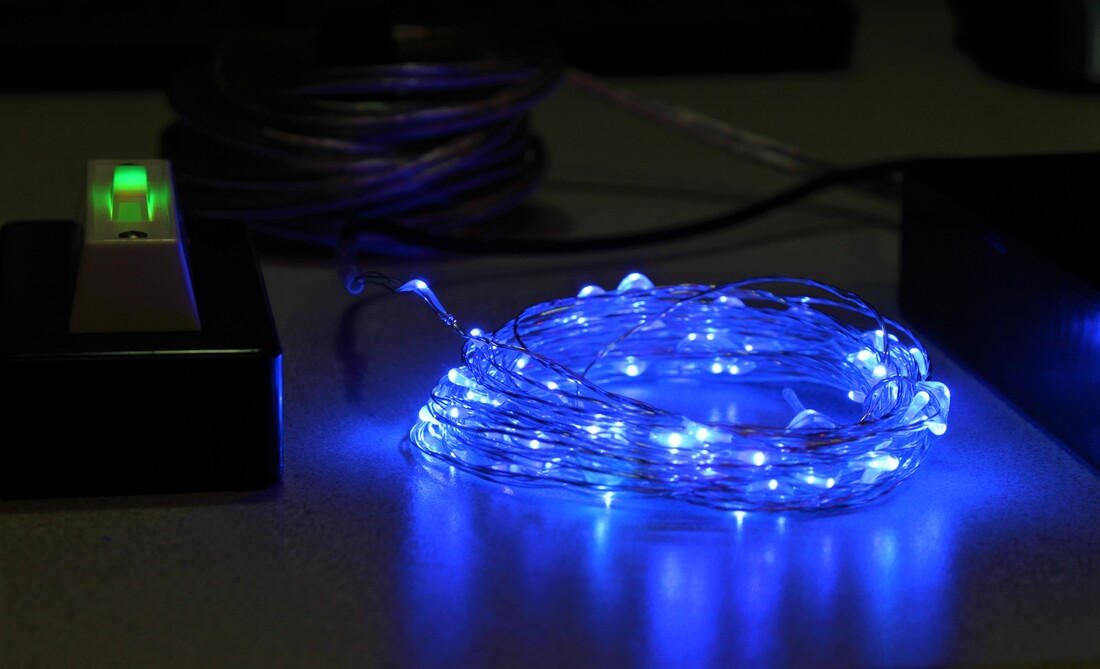
To help out, I created a cubicle doorbell that flashes when a doorbell is pressed.
The doorbell button will be mounted on the outside of my cube wall, and the lights will be mounted around my monitors.
An Arduino monitors for an amperage change in the power supply to the BlinkM, and will blink a strand of LED lights when the current exceeds a threshold. A BlinkM was added in the doorbell button for a little added flair.
Github Repository
​
If a colleague needs my attention, they usually have to knock on my cube, which may or may not work.
To help out, I created a cubicle doorbell that flashes when a doorbell is pressed.
The doorbell button will be mounted on the outside of my cube wall, and the lights will be mounted around my monitors.
An Arduino monitors for an amperage change in the power supply to the BlinkM, and will blink a strand of LED lights when the current exceeds a threshold. A BlinkM was added in the doorbell button for a little added flair.
Github Repository
​

 RSS Feed